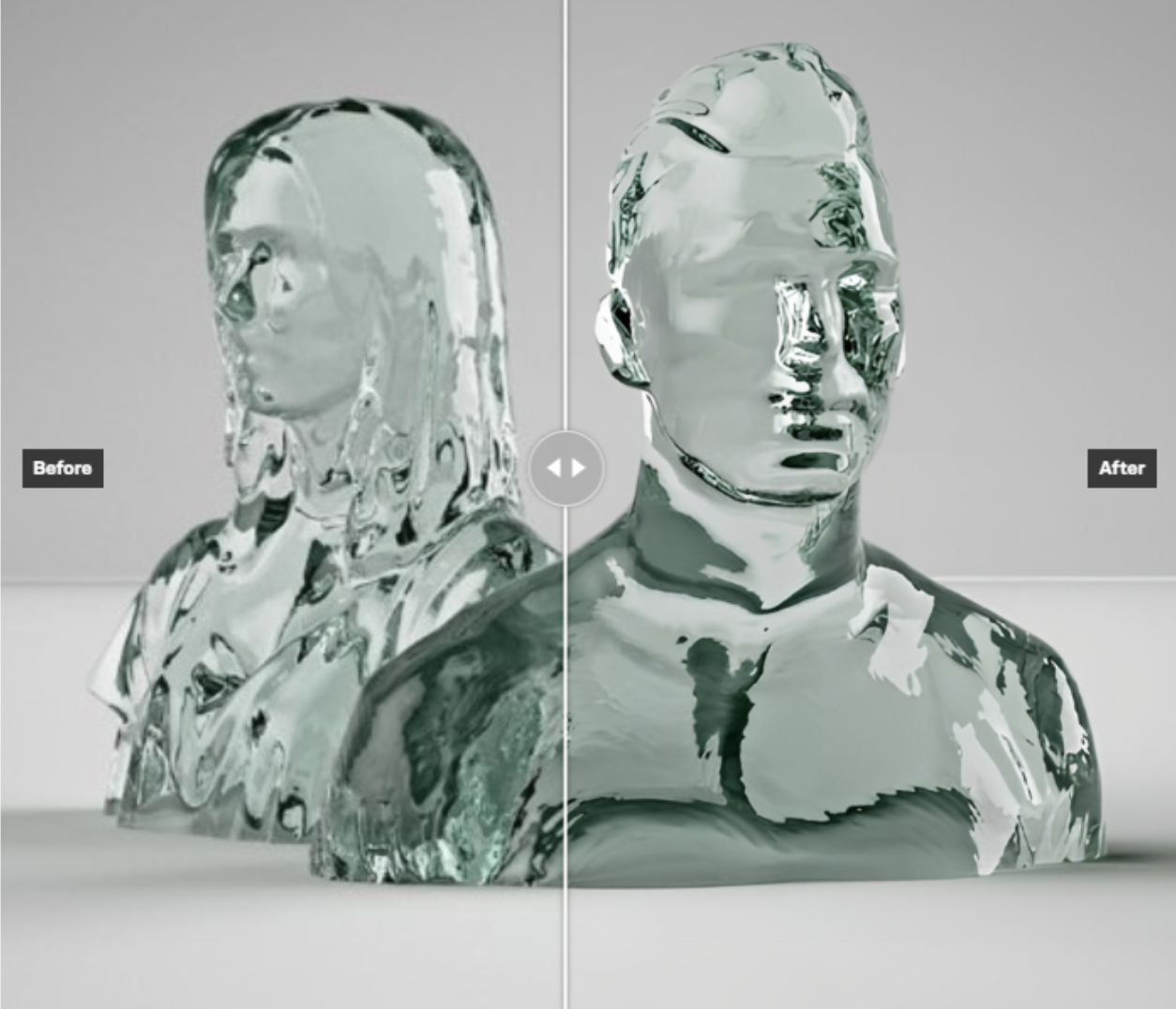


ByteDance's newest image model: more realistic images, edits that leave the rest of the picture untouched, transparent backgrounds, and up to 10 reference images
Frequently asked questions
What is Seedream 5.5 and who made it?
Seedream 5.5 is an AI image generation and editing model created by ByteDance and served via BytePlus ModelArk on the CRAISEE platform. It succeeds Seedream 5.0 Pro with improvements in visual realism, aesthetic quality, and editing consistency, supporting both text-to-image creation and multi-reference image editing in a single unified model.
How many reference images can Seedream 5.5 use at once?
Seedream 5.5 supports up to 10 reference images simultaneously. You can supply multiple images for single-image edits or multi-reference composition tasks, making it well-suited for complex creative workflows that require consistent subject or style references across a single output.
Does Seedream 5.5 support transparent background output?
Yes. Seedream 5.5 can return images with a full alpha channel as a PNG file by setting the background parameter to 'transparent'. This makes it ideal for compositing, graphic design, and product photography workflows where isolating subjects from their backgrounds is required.
What image resolutions does Seedream 5.5 support?
Seedream 5.5 offers three resolution tiers: 1K (approximately 1 megapixel), 1.5K (approximately 2.4 megapixels), and 2K (approximately 4 megapixels, up to 4,624,220 pixels). It also supports multiple aspect ratios including 1:1, 4:3, 16:9, 9:16, 21:9, and can match the aspect ratio of a provided reference image.
What makes Seedream 5.5 different from Seedream 5.0 Pro?
Seedream 5.5 improves on Seedream 5.0 Pro in three key areas: higher visual realism, stronger aesthetic performance, and better editing consistency. It also introduces continuous multi-turn editing — allowing iterative changes across multiple rounds without degrading previously unedited regions of the image.
Can Seedream 5.5 edit only part of an image without changing the rest?
Yes. Seedream 5.5 is designed for surgical precision editing. You provide one or more reference images and describe what should change; the model keeps all non-edited areas stable. It also supports continuous multi-turn editing, so you can make iterative changes across multiple rounds without degrading unedited regions.
What output file formats does Seedream 5.5 support?
Seedream 5.5 supports both PNG and JPEG output formats. When transparent background output is requested, the model always delivers a PNG file to preserve the alpha channel. For standard opaque images, you can choose either PNG or JPEG depending on your workflow requirements.
What is CRAISEE Persons support in Seedream 5.5?
CRAISEE Persons is a feature that lets users save named person or character references within the CRAISEE platform. Seedream 5.5 can use these saved Person references as reference images, enabling consistent character or subject representation across multiple generations without re-uploading reference photos each time.